21.5-inch Intel iMac
Ask about standard and Retina 4K generations. Depending on the year and configuration, the iMac may use an HDD, SSD or Fusion Drive.

Expert Care. Precision Repairs. Trusted Service.
Get help with a blank display, an iMac that stalls at startup, or a storage problem that’s slowing down your work. Share your model and symptoms to discuss assessment and repair options.
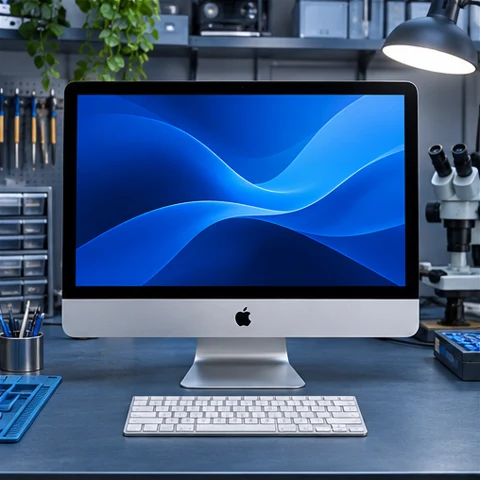
iMac repair
An iMac with a dark display may still be running, while an iMac stuck at startup can have a storage or macOS fault. Tell us the last screen you see, whether there is a startup sound, and any errors or unusual fan noise. Those details help narrow down the assessment.
Apple Laptop Repairs works with iMac customers from our independent Grant Road workshop. We explain the proposed work and quotation before you decide whether to go ahead.
Supported models
Ask about your exact model and configuration. Compatible parts and repair options depend on the generation and diagnosis.
Ask about standard and Retina 4K generations. Depending on the year and configuration, the iMac may use an HDD, SSD or Fusion Drive.
Includes older and Retina 5K generations. Earlier options varied by configuration, while the 2020 27-inch line used SSD storage. Share the year before asking about parts.
These models use an external power adapter and integrated storage. The chip and model year help identify the right display, power and software checks.
Use About This Mac if the iMac starts. See Apple’s iMac identification guide.
Repair options
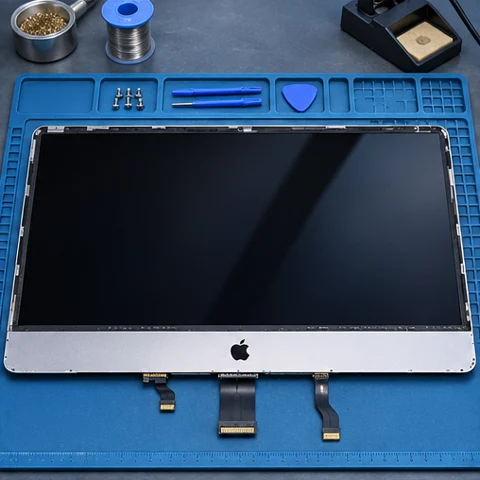
Lines, dim patches, flicker and cracked glass call for different checks. A dark panel can also occur when the iMac fails to start. Tell us whether you hear a startup sound or can see an image on an external display you already use.
Panel, connector and assembly options vary by model. A 27-inch Retina 5K Intel iMac and a 24-inch Apple silicon iMac use different display designs.
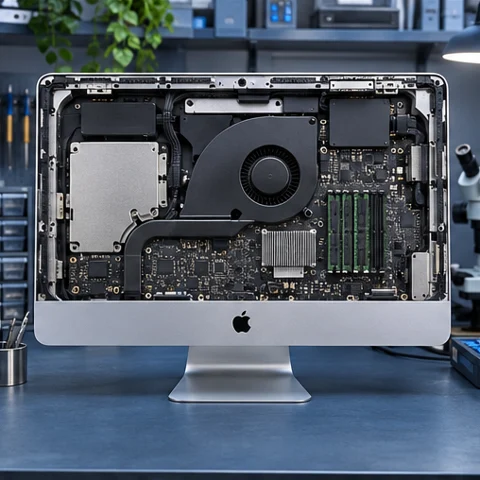
Unexpected resets, missing audio, unreliable ports and internal noises can point to different components. Mention which ports or peripherals you use and whether the fault persists with accessories disconnected.
We assess the affected functions and discuss compatible parts and access requirements. Some internal components on older Intel models are replaceable separately, while newer designs integrate more hardware.
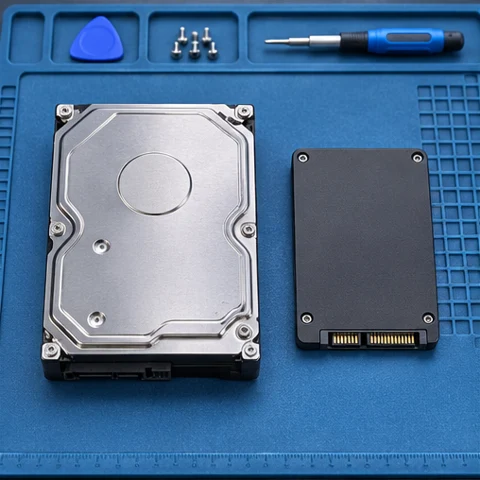
Slow startup, repeated disk errors, missing files or a drive that disappears can have several causes, including file-system errors or a failing drive.
If files are accessible, make a backup. If the iMac cannot boot or the files are the priority, tell us before approving any erase, reinstall or storage work.
Some Intel iMac models use a serviceable internal hard drive. We can discuss hard drive replacement or an SSD upgrade when the exact configuration supports it.
The 24-inch Apple silicon iMac uses integrated storage, so an internal SSD upgrade is generally not a routine option. Ask about suitable alternatives, such as external storage, when the Mac is otherwise working.
Some Intel iMacs combine a hard drive and flash storage into one logical drive. If two drives appear separately or startup fails, the Fusion Drive may be split, or one component may need diagnosis.
Recreating a split Fusion Drive erases both components. If the files matter, discuss backup or recovery options before approving that step. Apple’s Fusion Drive guidance.
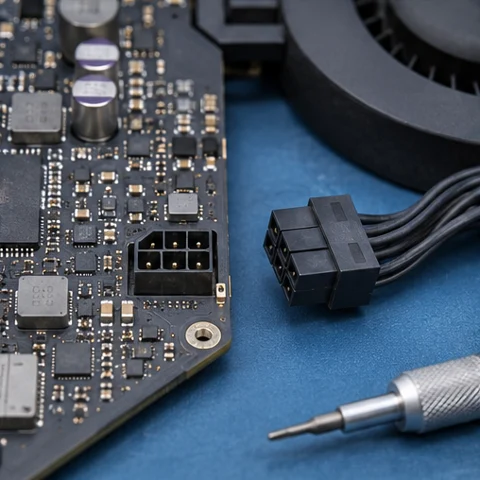
If the iMac is not turning on, check the wall outlet and that the undamaged cable is seated securely, provided there is no sign of liquid or physical damage. Tell us whether you hear a startup sound or fan.
An older Intel iMac may have an internal power supply, while the 24-inch Apple silicon iMac uses an external power adapter. A professional assessment can distinguish power supply, adapter and logic board faults.
Tell us when fan noise or heat appears and whether the iMac shuts down, slows down or displays a warning. A heavy video export puts a different load on cooling than an idle desktop.
If the issue persists during light use, the workshop can assess airflow, fan behaviour and system load. Leave vents unobstructed and avoid opening the display enclosure yourself.
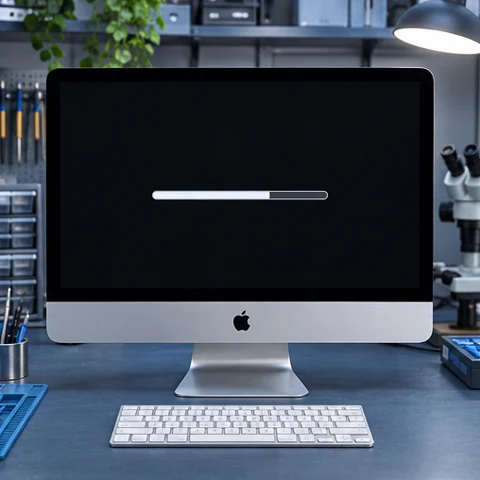
Share the last screen you see, exact error messages and whether the issue followed an update or power interruption. A stuck Apple logo can involve macOS, storage or other hardware.
Intel and Apple silicon models use different startup and recovery controls. We discuss model-appropriate troubleshooting and backup needs before any reinstall or storage changes.
Repair process
Include the screen size, model or year and what happens when you try to use it.
We check the reported symptoms and model-specific causes.
We discuss the recommended work, compatible parts, cost and expected timing.
You decide whether to proceed. We discuss changes before carrying them out.
We carry out approved work where feasible and check the affected functions.
We explain what was done and any issues to watch after collection.
Repair pricing
Pricing depends on the exact model, diagnosis, part availability and labour. Display assembly work has a different scope from an external adapter fault, and internal storage work can involve additional disassembly.
Ask what the quote covers, whether assessment is charged separately and how parts affect turnaround. We may need to inspect your iMac before confirming the price.
Why choose us
We ask for the year and configuration before discussing parts or storage options.
We explain the recommended work, cost and likely timing before you decide.
Check what to bring before carrying in your iMac. Learn about the workshop or see all repair services.
Visit us
Call or WhatsApp before travelling to discuss your model and whether to bring its cable, adapter or an accessory.
FAQs
Visit our independent workshop at Walker House, Grant Road, near Lamington Road. Open our Google business listing to plan your visit.
Ask about your exact model. We discuss older 21.5-inch and 27-inch Intel iMacs and 24-inch Apple silicon models. Work depends on diagnosis and compatible parts.
Some Intel models support internal replacement or upgrade. Ask us to check your year and configuration. See HDD and SSD options.
It may be split, or a component may be failing. Recreating it erases the drives. Discuss your files before authorising work. See Fusion Drive guidance.
Yes. Report whether there are any startup sounds or signs of power. See the power assessment guidance.
The quote depends on model, diagnosis, labour and parts. See pricing factors or contact us with the symptoms.
Contact us first to confirm what to bring. The iMac and its power cable or external adapter may be useful for a power fault. Mention any accessories involved.
iMac repair enquiry
Share the model, the symptoms and when they started. If important files are on the iMac, mention that in your enquiry.