MacBook Pro repair
Get help with battery warnings, charging and shutdown issues, display faults, and possible logic board problems. Mention whether the issue happens under load or while unplugged.
View MacBook Pro Repair
Expert Care. Precision Repairs. Trusted Service.
Get help with a cracked screen, a battery that won’t hold charge, or a MacBook that won’t start. Tell us your model and the symptoms so we can discuss what needs checking and how to get a repair quote.
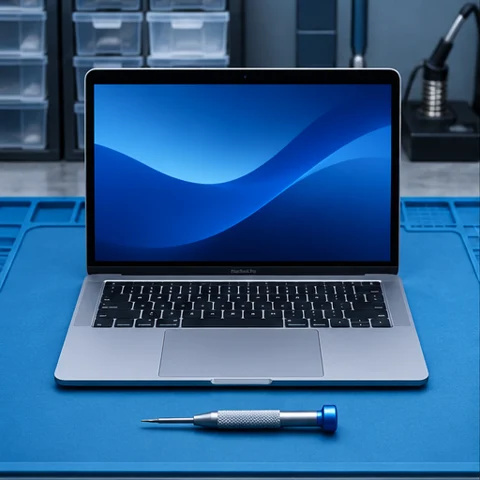
MacBook repair service
Apple Laptop Repairs assesses MacBook hardware and macOS issues at our Grant Road workshop. A blank screen, for example, can come from the display, a startup problem or a lack of power. We use what you’ve observed and the device assessment to narrow down the cause.
Ask us about your model, what work may be possible and what the quote will cover before you decide whether to proceed.
Models we assess
Share your model and year if you know them. Check About This Mac in the Apple menu if your laptop starts. We discuss Intel and Apple silicon models, with assessment and parts availability depending on the exact device.
Get help with battery warnings, charging and shutdown issues, display faults, and possible logic board problems. Mention whether the issue happens under load or while unplugged.
View MacBook Pro RepairDiscuss display damage, poor battery life, unresponsive keys or trackpad faults. Share whether your Air is an Intel or Apple silicon model if you know.
View MacBook Air RepairAsk about older MacBook models, including the 12-inch MacBook. The model, diagnosis and sourcing of compatible parts determine what work may be feasible.
Ask About Your ModelHardware and software
Choose a problem to see what you can observe, what we may need to check and how we discuss repair options.
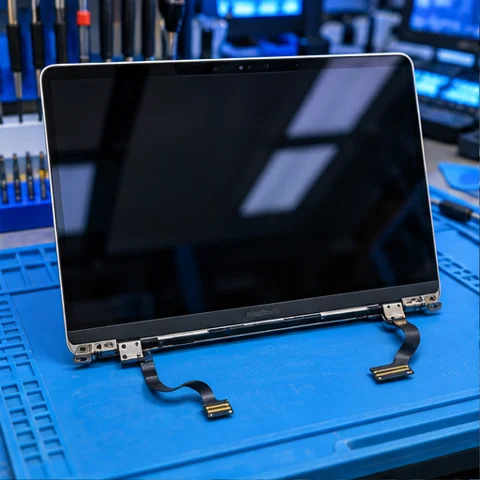
Cracks, lines, flicker, a dim backlight and a blank screen each point to different checks. Tell us whether the issue followed a drop, whether it changes with the lid angle, and whether the Mac still seems to start. If you already use an external display, note whether it shows an image.
An assessment can help distinguish screen assembly damage from a display connection, startup or software fault. We discuss replacement when the display is at fault and a compatible assembly is available.
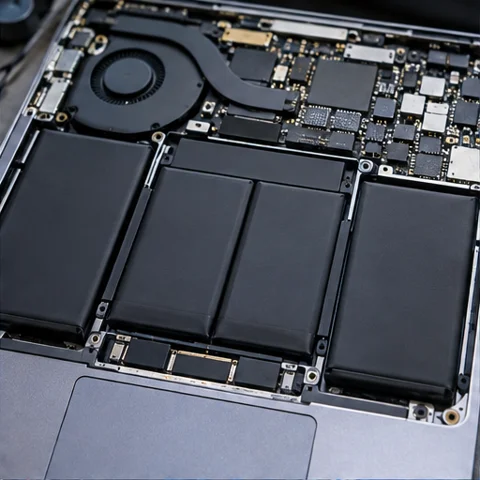
A MacBook that discharges quickly, shuts down when unplugged or shows a battery health warning may need battery assessment. You can share the status shown in Battery settings if the Mac starts.
We assess whether poor runtime comes from battery condition, unusually heavy power use or a charging fault. If replacement is appropriate, the exact model determines the battery and the quote.
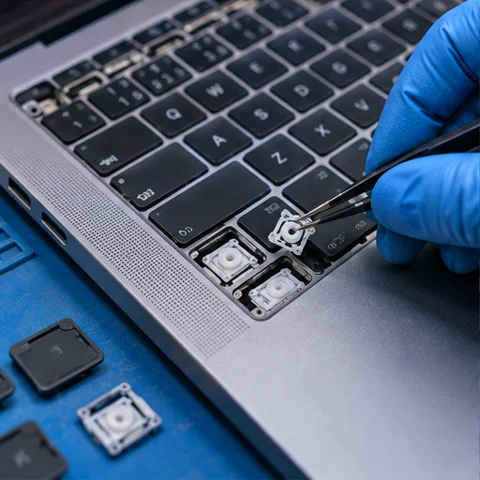
Tell us if a key repeats, a group of keys stops responding, or the trackpad moves the pointer but won’t click. Mention a spill, a drop, or whether an external keyboard or trackpad works normally.
MacBook keyboard replacement options vary by model. The assessment helps identify whether work is needed on the keyboard, trackpad, a connector or a larger assembly.
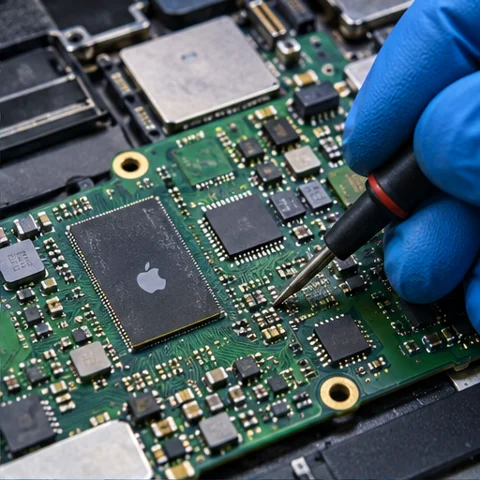
The motherboard, also called the logic board, can be involved when a MacBook has no power, shuts down unexpectedly or develops several faults after a spill. Similar symptoms can come from the battery, charger or a port.
Diagnosis helps locate the fault and determine whether a board repair, board replacement or other work is practical. If you need files from a Mac that won’t start, mention that before approving any board or storage work.

If your MacBook is not turning on, tell us whether the charger is recognised, whether there’s a startup sound or screen image, and what happened immediately before the fault. If there’s no sign of liquid or physical damage, you can check the outlet and try another undamaged compatible charger and cable if available.
If the fault persists, an assessment can check the adapter, cable, charging port, battery and internal power path. Bring the charger if the workshop asks for it.
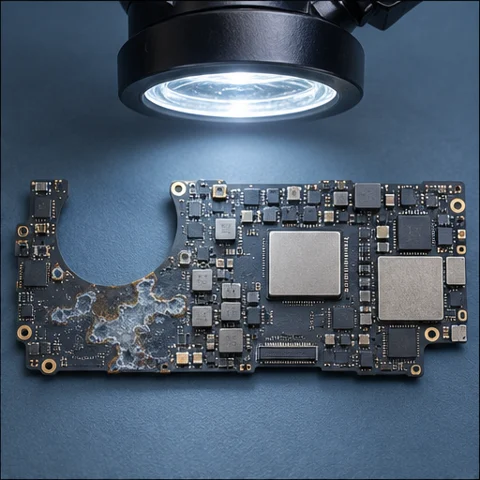
If liquid spills on the MacBook, turn it off and disconnect external power if safe. Leave it off and contact the workshop before trying to charge or restart it. Tell us what spilled and how long ago.
The assessment looks for contamination and affected components. Feasibility depends on where the liquid reached and the damage found. Tell us if keeping files accessible is your first priority.

A Mac stuck on the Apple logo, failing an update or restarting repeatedly may have a macOS, storage or hardware fault. Share the last screen or error message and whether the issue followed an update.
We discuss model-appropriate software troubleshooting or updates when indicated. Back up accessible files before any work that could affect storage, and flag important files before approving a reinstall.
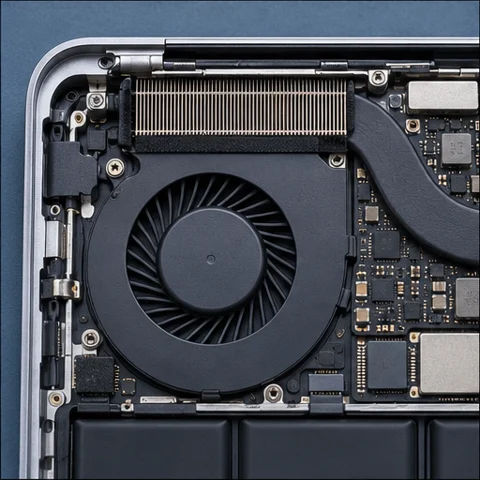
Note when the Mac gets hot, which apps are open and whether there’s fan noise, slowdown or shutdown. Models with passive cooling behave differently from models with fans.
Troubleshooting can include checking workload, available storage and software. Persistent overheating or shutdown under normal use calls for hardware assessment before deciding what to repair.
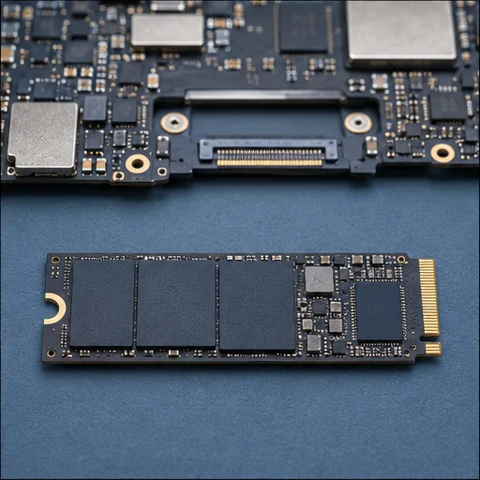
Frequent storage errors, missing drives or unusually slow startup can indicate a file-system issue, low free space or a storage fault. Back up accessible files, and tell us before approving any work if the files are the priority.
SSD replacement or upgrade options depend on the exact model. Many MacBooks use integrated storage, so ask about model-specific repair and recovery options before authorising work.
Common symptoms
Use these shortcuts if you know the symptom and want to find the relevant repair information.
Repair process
Share the model, the fault and when you first noticed it.
We check the symptoms and likely causes.
We explain the recommended work, estimated cost and timing.
You decide whether to proceed. We discuss changes to the scope first.
We carry out the approved work where feasible and test the affected functions.
We explain what was done and any follow-up points when you collect the device.
Why choose Apple Laptop Repairs
We work with MacBook laptops and consider hardware and software causes during assessment.
We explain what we found, what work we propose and how parts or further checks may affect the estimate.
Contact us before visiting Walker House in Grant Road and tell us if you need to preserve files or bring a charger.
Repair pricing
Cost depends on your model, the cause of the fault, the work involved and part availability. A cracked display and a black screen can need different repairs, even on the same model.
Ask whether assessment is charged separately, what the quote includes and how long the work may take. We may need to inspect the device before giving a firm quote.
Visit us
Our workshop is in the Lamington Road area of Grant Road. Call or WhatsApp before travelling to confirm whether we can assess your model and what you should bring.
Speak with the workshop
Call+91 98331 51550WhatsAppChat with us on WhatsAppEmailkishore@datarecoverymumbai.co.inFAQs
Visit our independent workshop at Walker House near Lamington Road in Grant Road. Call or WhatsApp before travelling if you want to check which details or accessories to bring.
Yes. Share the model or year and the fault. See MacBook Pro repair or MacBook Air repair for model-specific enquiries.
The display design, model, cause of damage and part availability affect the price. We discuss whether the display assembly needs replacement after assessing the fault.
Yes. Share the model and mention if you see a battery warning, unexpected shutdowns or charging problems. A firm quote may require an assessment.
Yes. We can check whether charger, battery, port or logic board symptoms point to a hardware fault. Tell us if this followed a drop, spill or previous repair.
Turnaround depends on the diagnosis, the approved work and the availability of compatible parts. Ask for the estimate when reviewing your quote.
Back up accessible files if the device starts. If it does not start and the files are important, mention that before approving hardware or software work.
MacBook repair enquiry
Share your model and the symptoms. We’ll discuss what needs assessing and how to get a quote.