Hardware repair
We investigate symptoms such as overheating, unstable power and damage after a drop. The repair recommendation depends on the component affected.

Expert Care. Precision Repairs. Trusted Service.
Find repair and assessment options for MacBook, MacBook Pro, MacBook Air, iMac and iPhone. Select your device to see which issues we can discuss and what to share when you contact us.
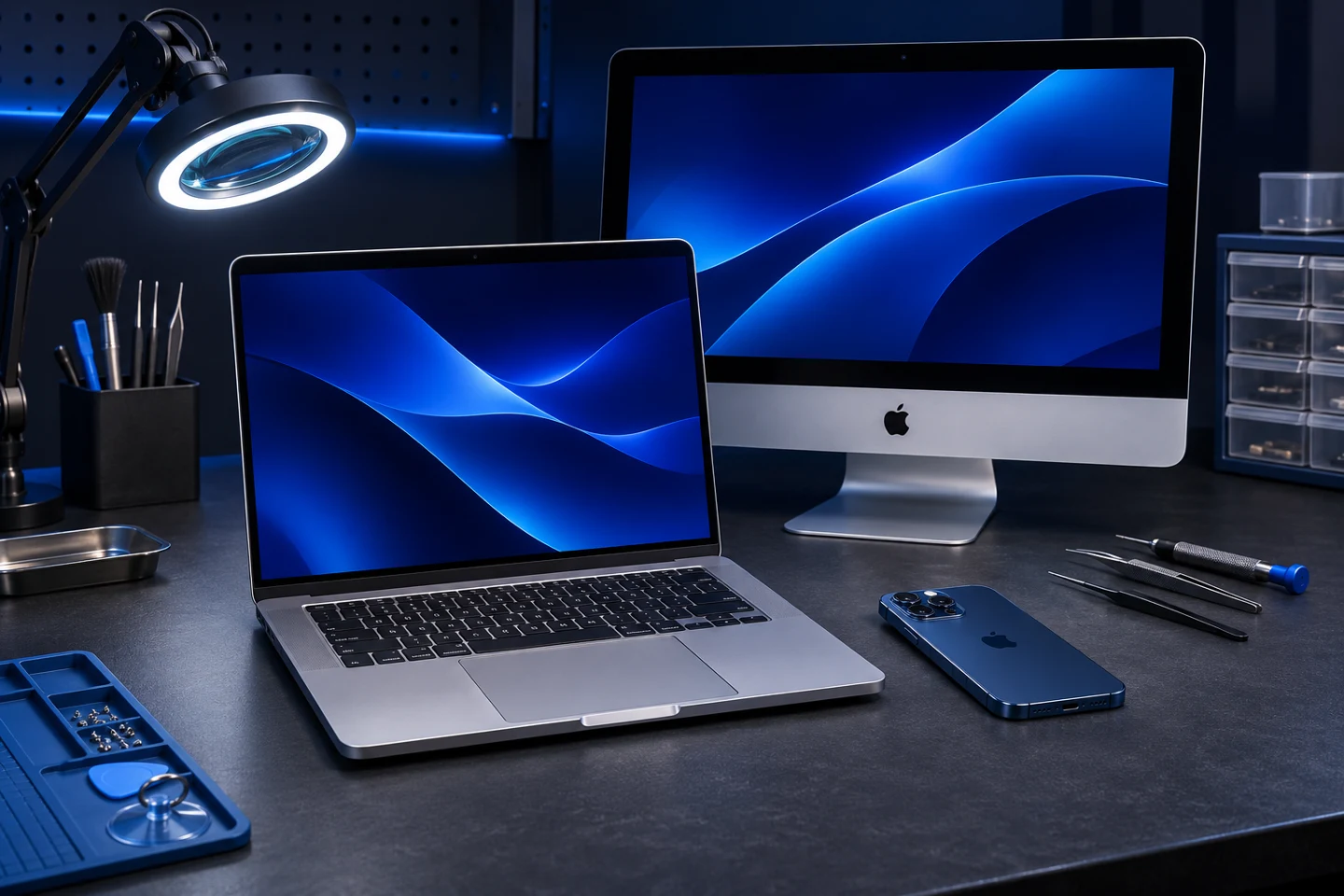
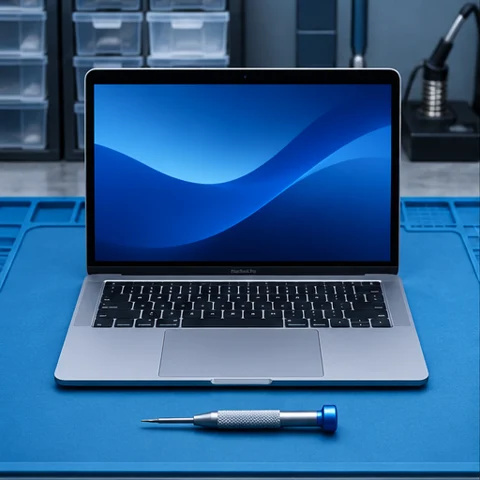
MacBook, MacBook Pro and MacBook Air
A black screen, short battery life and a laptop that won’t start call for different checks. Tell us what the MacBook does when connected to power, whether it still starts and what happened before the fault began.
Cracked screens, flicker, damaged hinges, keyboard or trackpad faults and possible logic board problems.
Rapid drain, battery service warnings, shutdowns, intermittent charging and charging-port faults.
Startup loops, failed updates, low storage, slow performance and storage errors. Mention any files you need to preserve.
We assess affected components and discuss what can reasonably be repaired. Avoid charging or trying to restart a MacBook after a spill.

iMac desktops
An iMac that sticks at the Apple logo needs a different assessment from one that starts but shows lines across the display. Tell us your model, the last screen you see and whether external accessories are affected.
Blank displays, image distortion, intermittent power and faults that may involve internal components.
Let us know if a keyboard, mouse or other accessory stops responding. We can discuss whether the issue may be with the accessory, the connection or the iMac.
Storage warnings, a slow startup, update errors and repeated crashes. Assessment helps distinguish a software issue from storage or hardware trouble.

iPhone
Tell us the iPhone model and what still works. After a drop, for example, damage to the glass, display image and touch response can point to different work.
Cracked glass, an unresponsive touchscreen or no display image. We discuss whether a suitable replacement is available.
Rapid battery drain, unexpected shutdowns, loose connections or intermittent charging.
Mention camera, speaker, microphone, software or liquid exposure symptoms when you contact us. We’ll confirm whether we can assess the fault for your model.
Repair categories
The same symptom can come from different faults. These checks help narrow down the work and what a quotation may include.
We investigate symptoms such as overheating, unstable power and damage after a drop. The repair recommendation depends on the component affected.
We assess cracks, flickering, lines and blank screens. The model and diagnosis determine whether a compatible display assembly is appropriate.
A weak battery can cause poor runtime or shutdowns. A charging fault can look similar. We check what is causing the symptom before discussing replacement.
Share which keys fail or whether the trackpad still moves the pointer. The device design affects which parts can be replaced.
A no-power or charging fault can originate in several places. We check the power path and discuss logic board work if the fault points there.
We assess startup errors, failed updates and instability. If a proposed step could affect your files, raise any backup concerns first.
For storage errors or persistently slow performance, we check what is likely causing the problem. SSD replacement or upgrade options depend on the exact model.
If the files matter more than getting the device started, say so before approving a repair or reinstall. Ask about a separate recovery assessment. Options depend on the device, storage condition and encryption.
Repair process
We review your model and symptoms and assess the device to identify the likely fault.
We explain the proposed work, cost, part availability and expected timing.
You decide whether to proceed. We discuss changes to the proposed work before carrying them out.
We carry out the approved work where the device and parts allow it.
We check the affected functions and discuss any remaining issues.
We explain what was done when you collect the device.
Why choose us
We focus on Apple devices and explain the proposed work before you decide whether to go ahead.
We discuss what you’ve noticed and check whether the issue may involve hardware, software or an accessory.
We explain what the repair involves, what the quote covers and what may affect timing.
Find us at 42/44 Walker House, near Lamington Road in Grant Road, Mumbai.
FAQs
Contact us about MacBook, MacBook Pro and MacBook Air. Share the model or year so we can discuss what can be assessed. See MacBook repair options.
Yes. We can discuss an assessment for display damage or battery problems. Model, diagnosis and compatible parts determine the repair options. See MacBook Air repairs or MacBook Pro repairs.
Yes. Tell us which screen you see and whether any errors appear. See iMac repair and startup assessments.
We assess display and battery faults and discuss replacement when a compatible part is available. See iPhone repair options.
A firm quote depends on the model, diagnosis, approved work and part availability. Send your model and symptoms to start a repair quote.
Back up accessible files if the device works. If it won’t start, tell us before approving any work that could affect storage. See storage and data recovery guidance.
Share the model, the symptoms and when they started. We’ll discuss the next step and whether the device needs an in-person assessment before we can quote.